 BTR AMP
Windows SMB
March 25, 2020
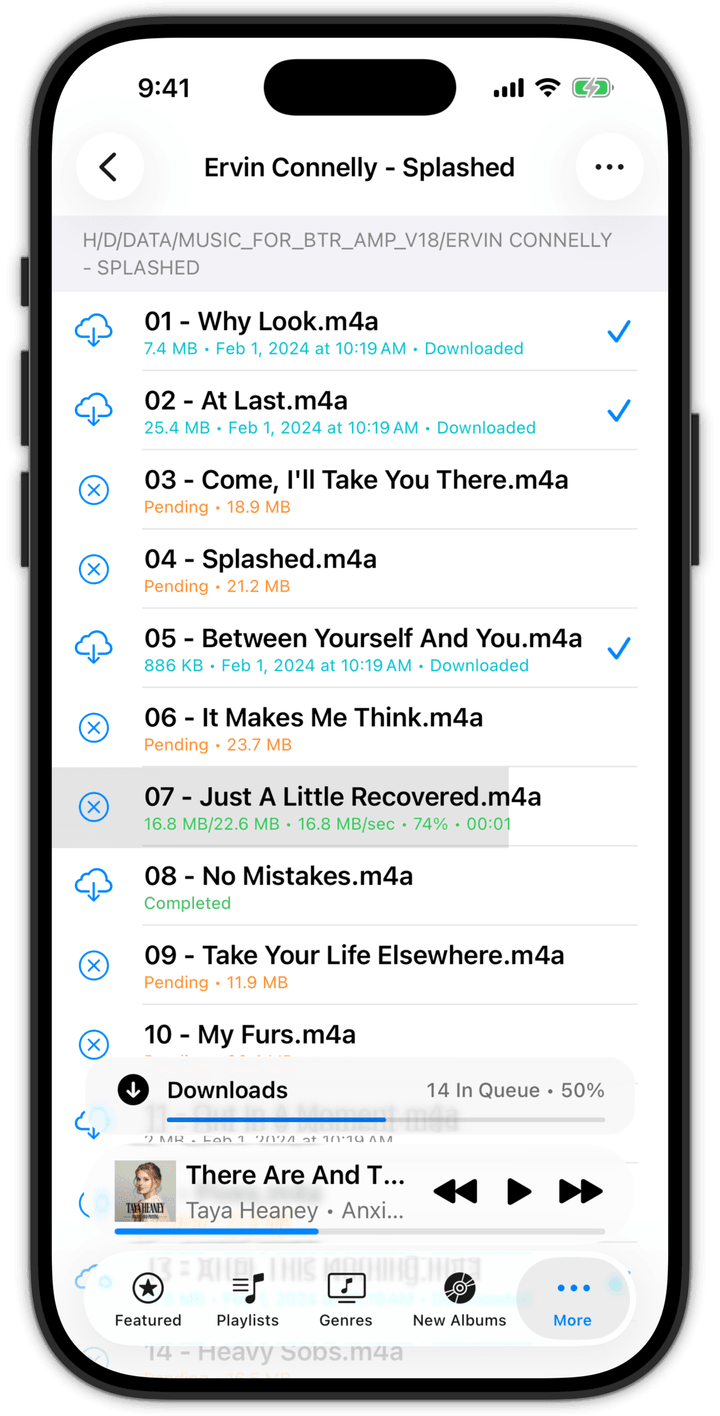
Introducing a built-in Windows SMB client under the Connect section. This allows you to download files from other computers such as your PC/Mac/Linux directly into BTR AMP by connecting via the SMB protocol (i.e., Windows File Shares).
If you are unfamiliar with SMB/Windows File Shares, take a look at the following websites:
General
<https://www.howtogeek.com/191116/how-to-share-files-between-windows-mac-and-linux-pcs-on-a-network/>
Windows 10
<https://support.microsoft.com/en-us/help/4092694/windows-10-file-sharing-over-a-network>
<https://service.uoregon.edu/TDClient/2030/Portal/KB/ArticleDet?ID=33750>
Mac
<https://support.apple.com/en-au/HT204445>
<https://support.apple.com/guide/mac-help/share-mac-files-with-windows-users-mchlp1657/mac>
Get the latest version of BTR AMP
